
Generate a tour from an order
Once you have uploaded the photos that will be delivered, you have the opportunity to create different materials for marketing with the photos of the property. You can generate via the Business Solution, a Tourbuzz tour. In this tutorial, you will see how to generate a tour from a specific order.
1. Generate a Tour

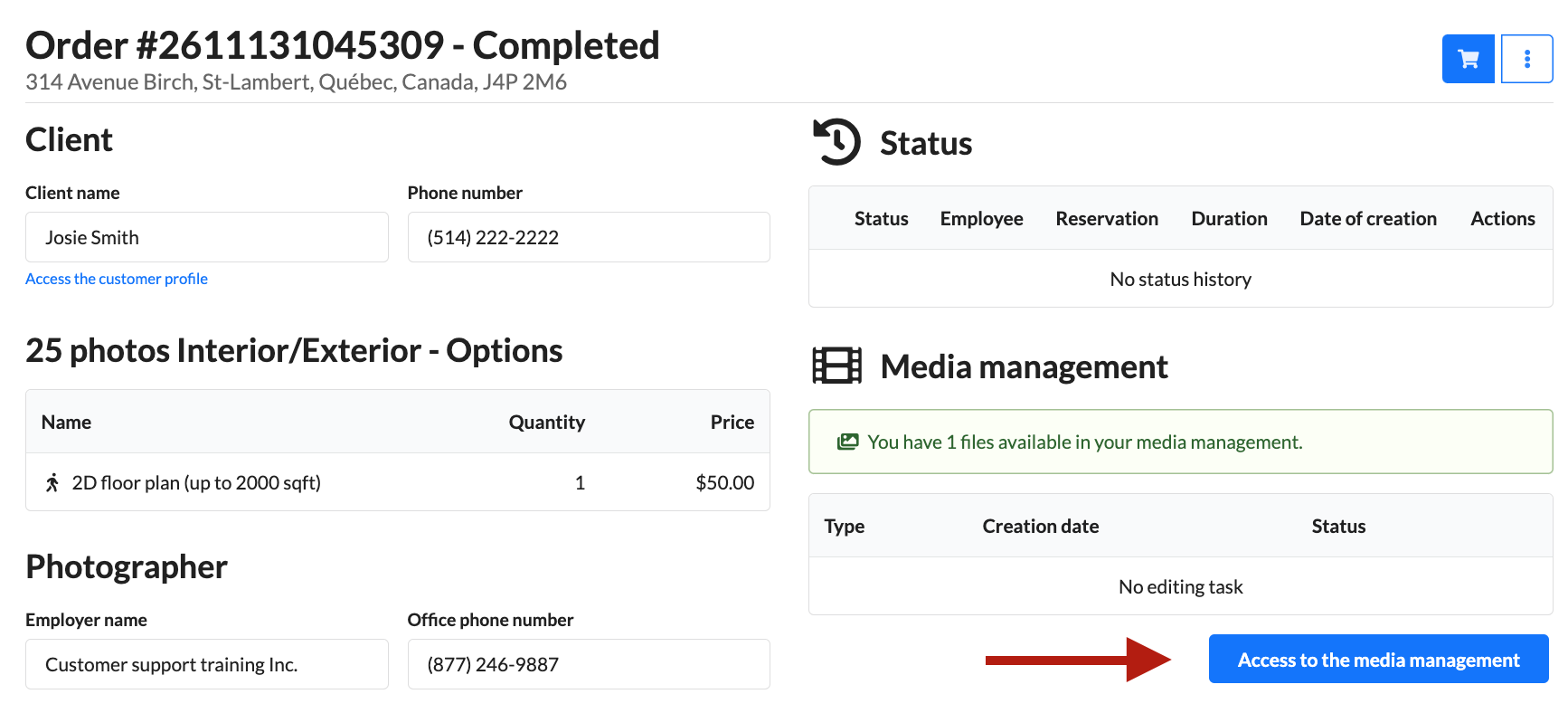
2. Add your medias in the Media Management page
3. In the public delivery page sort your images, rename it etc. Click Save. The Tour will be ajuste.